Signals/ Claude & Anthropic/ Reel /
Claude Code Mods: Change How Claude Works Just by Asking
Claude Code now has mods: small add-ons that change how it works and looks. They can rewrite your prompt, stop a risky command or add a new panel, and you don't have to code them. Describe what you want and Claude writes the mod, installs it and switches it on. How to install one, a prompt to build your own, five ideas, and the catch.
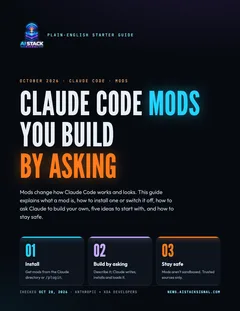
Free starter guide · 7 pages · PDF
Claude Code mods you build by asking
What a mod is, how to install one or switch it off, a copy-paste prompt to have Claude build your own, five mod ideas and a safety checklist.
⬇ Download the PDFAnthropic added mods to Claude Code on October 1, and this week people started sharing what they’ve built with them. The interesting part for non-coders: you don’t have to write a mod yourself. You describe what you want, and Claude builds it.
What a mod is
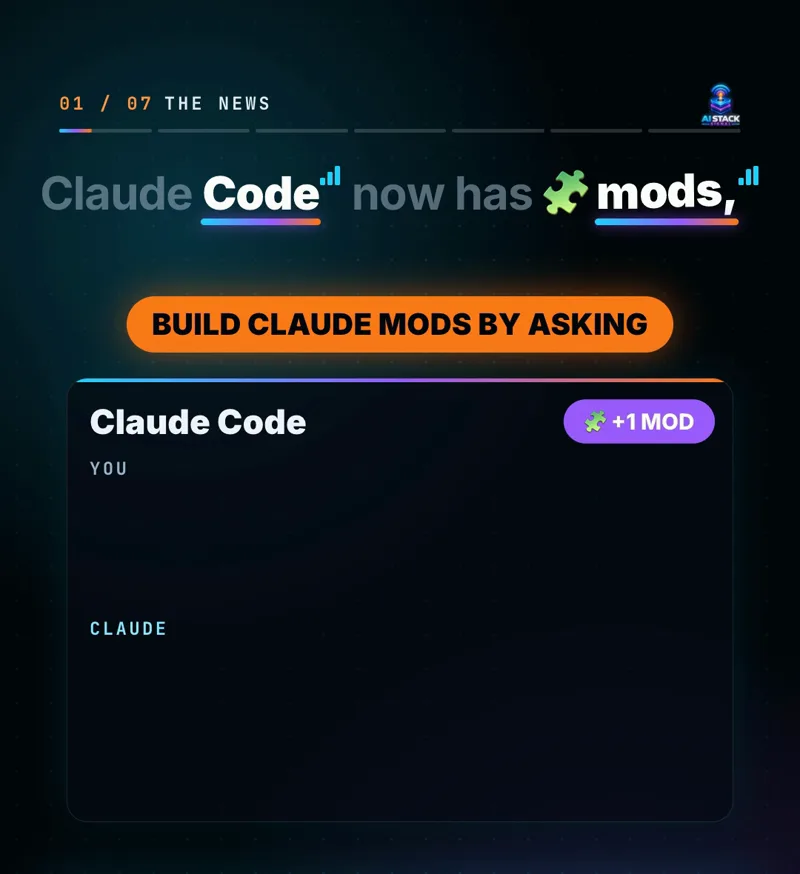
Anthropic calls mods “small TypeScript functions that change how Claude Code works.” Claude Code sends out an event when it calls a tool, asks for permission or draws part of the screen. A mod listens for those events and can step in before, after or instead of them.
Mods ship inside plugins, so you install and share them the same way as any Claude Code plugin. They work in the Claude Code CLI and in the desktop app.
Mods vs hooks
If you’ve used Claude Code hooks: hooks are outside scripts that run at set moments. Anthropic says mods go further: they stay loaded in your session and can rewrite events, draw new parts of the screen and replace built-in features, which hooks can’t.
What a mod can change
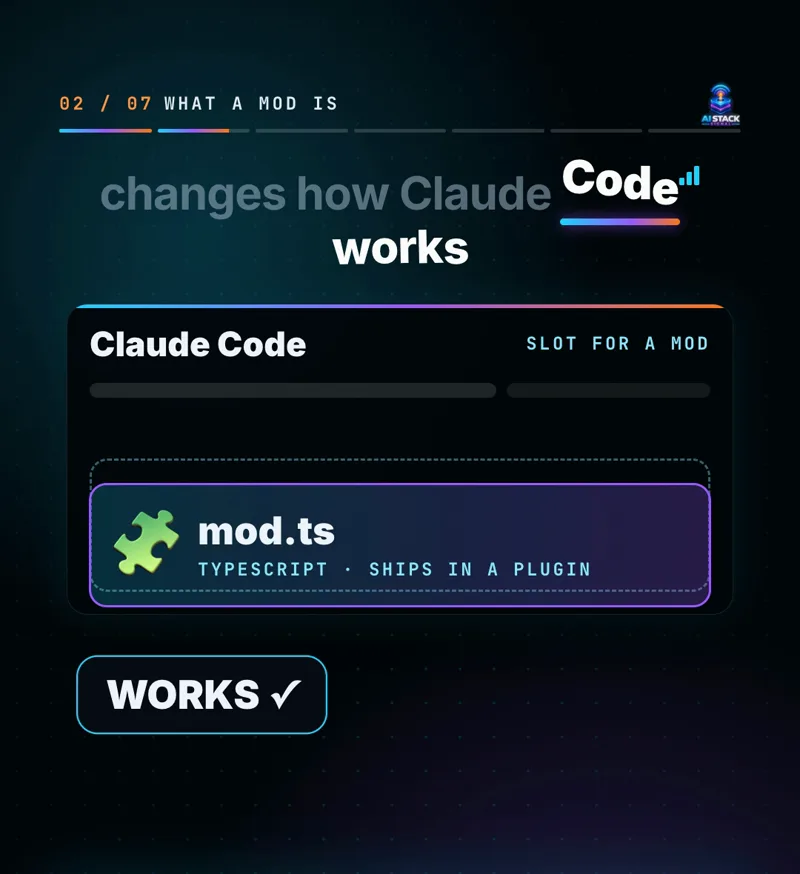
In Anthropic’s words, “A mod can rewrite a prompt, add new UI, replace a built-in feature, or add entirely new functionality.” In practice:
| Change | Example |
|---|---|
| Your prompt | Rewrite a prompt before it reaches the model. |
| Commands | Block, rewrite or retry a command Claude wants to run. |
| Permissions | Approve or deny a permission request. |
| Secrets | Hide secrets in tool output before Claude reads it. |
| The screen | Edit or replace parts of the interface, add buttons, or add a whole pane beside the chat. |
Use case
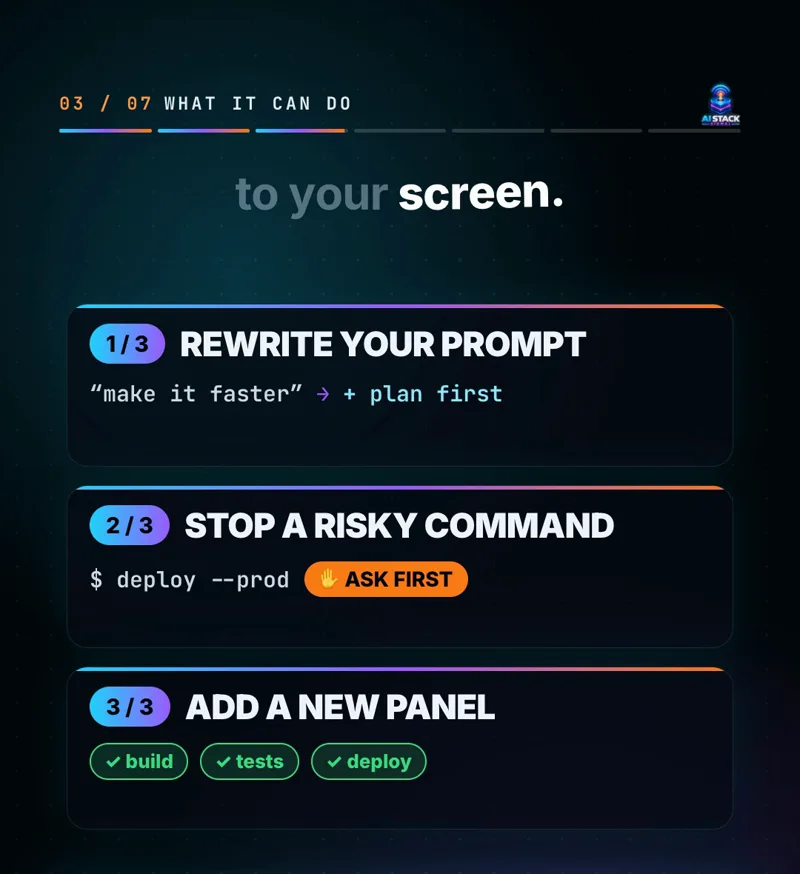
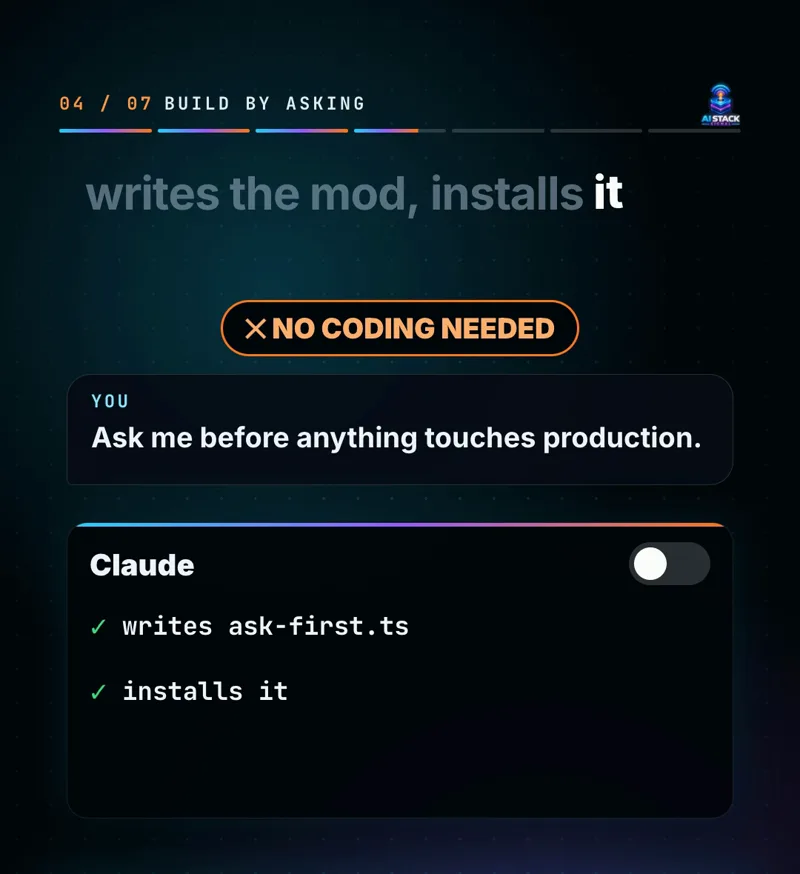
A solo founder keeps a small app online. They’re nervous Claude might one day run a command that changes the live site. One mod fixes that: anything that touches production stops and asks first, every session, without them having to remember to say it.
Install or switch one off
Because mods come inside plugins, you get them the same way. Anthropic names two routes: “Install plugins that include mods from the Claude directory or by running /plugin in the CLI.”
- Open Claude Code (terminal or desktop app).
- Type
/pluginand browse what’s on offer, or pick a plugin in the Claude directory. - Read what the plugin does, then install it.
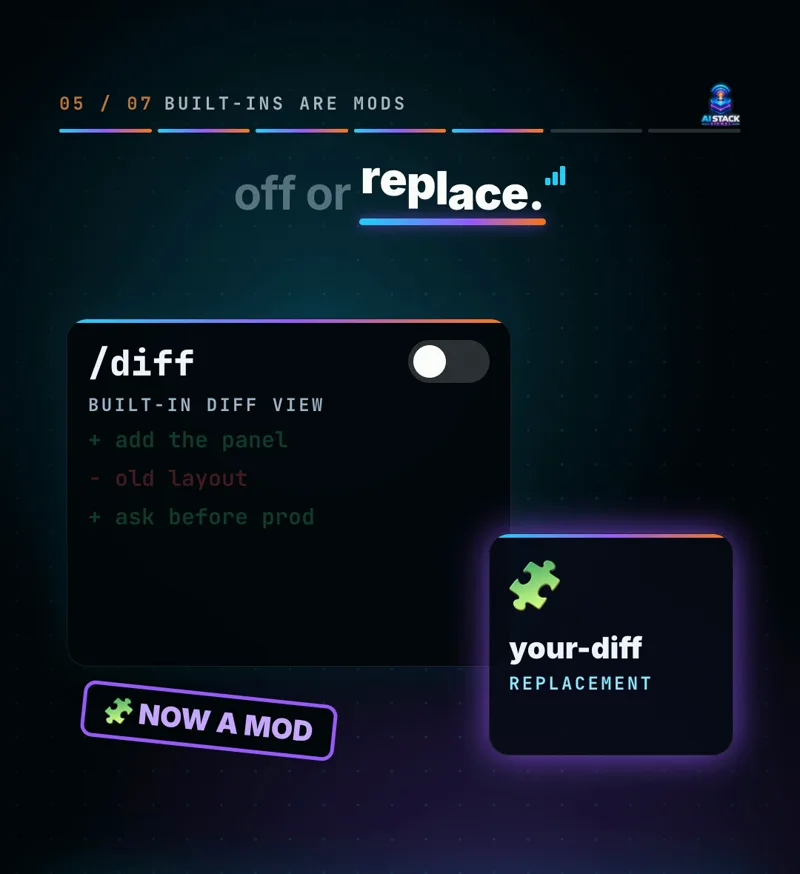
Switching one off: Anthropic rebuilt its own /diff view as a mod. You can turn it off in /plugin or replace it with your own version, and you switch off any other mod the same way.
Mods people are sharing (reported by XDA Developers): Replay Theater from Anthropic steps through Claude’s file edits one at a time; community mods include Code Pet, a pixel pet that reacts to what Claude is doing, and Session Wrapped, a Spotify Wrapped-style recap of your session.
Build one by asking
Anthropic: “Ask Claude to create a mod, and it can write the TypeScript, install it, and hot reload it in your session.” Hot reload means it switches on right away, no restart.
Try this prompt
Copy it, then change the middle line:
Build me a Claude Code mod using the mods API (not a hook).

What I want: [describe the change, e.g. "ask me to confirm
before any command touches a file with 'prod' in its name"]

Explain in plain English what it will do before you install it,
then install it and load it in this session.
Workflow: your first mod
- Pick one small annoyance or worry (a step you always forget, a command you’re scared of).
- Paste the prompt above with that one change in the middle line. Saying “mods API” matters: XDA’s reviewer first got an old-style hook until they asked for the mods API.
- Read Claude’s plain-English explanation before you say yes.
- Test it on something that doesn’t matter.
- If it misbehaves, ask “Turn off the mod you just made,” or switch it off in
/plugin. - Happy with it? Ask Claude to keep it as a plugin, so it loads every session and you can share it.
Five mods to try
The first three come from Anthropic’s own examples; the last two are our suggestions. Paste the line into the prompt above.
- Ask before production: “Ask me to confirm before any command touches production settings.”
- Build status pane: “Add a pane beside the chat that shows whether my latest build passed or failed.”
- Hide secrets: “Hide anything that looks like a password or API key in tool output before you read it.”
- Plain-English plans: “Before my prompt reaches you, add: explain your plan in plain English first.”
- Session recap: “When I finish, show a short recap: files changed and what’s left to do.”
The catch
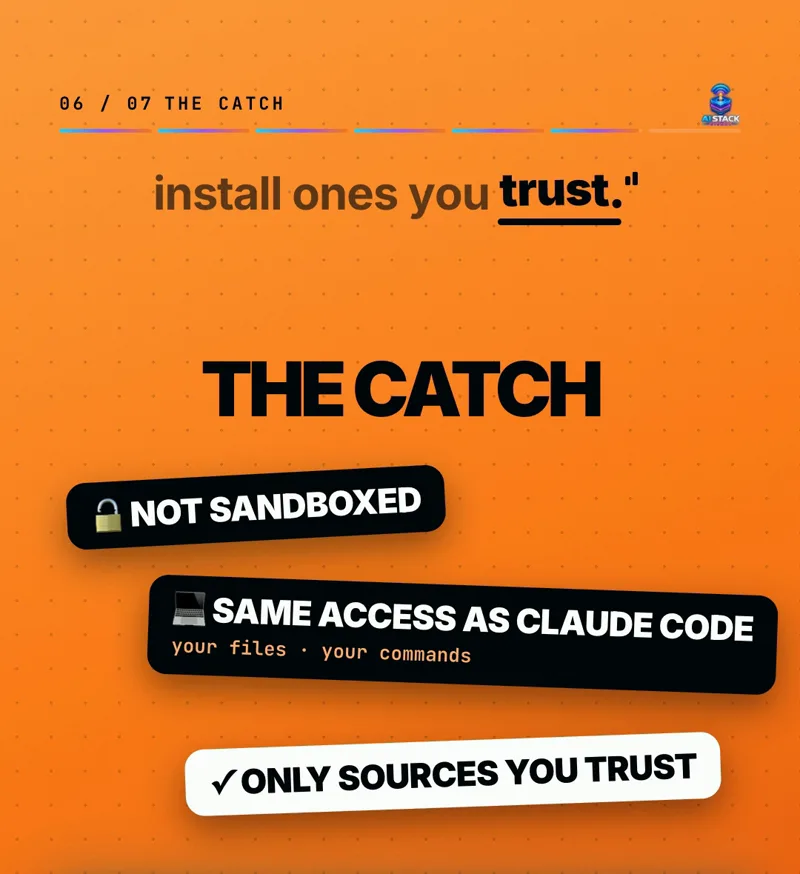
- Mods aren’t sandboxed. Anthropic says “Mods run with the same access to your machine as Claude Code itself.” A mod can touch your files and run commands, so only install mods from sources you trust.
- Read before you install. Paste a mod’s code into Claude and ask what it does in plain English. Prefer Anthropic’s own mods and well-known, active projects.
- One at a time. Add one mod, test it, then add the next. Small mods with one job are easier to check and to switch off.
- On a Team or Enterprise plan: a built-in mod called sec-default loads first and stops user-installed mods doing risky things, such as overriding permission deny rules.
The fine print
Details are from Anthropic’s announcement and XDA Developers as of October 28, 2026; mods are new and can change. Example prompts are suggestions and results vary. AI Stack Signal is not affiliated with Anthropic.
Sources & links 2
More on Claude AI News