Signals/ Claude & Anthropic/ Reel /
3 Claude Skills to Install First (Beginner Setup)
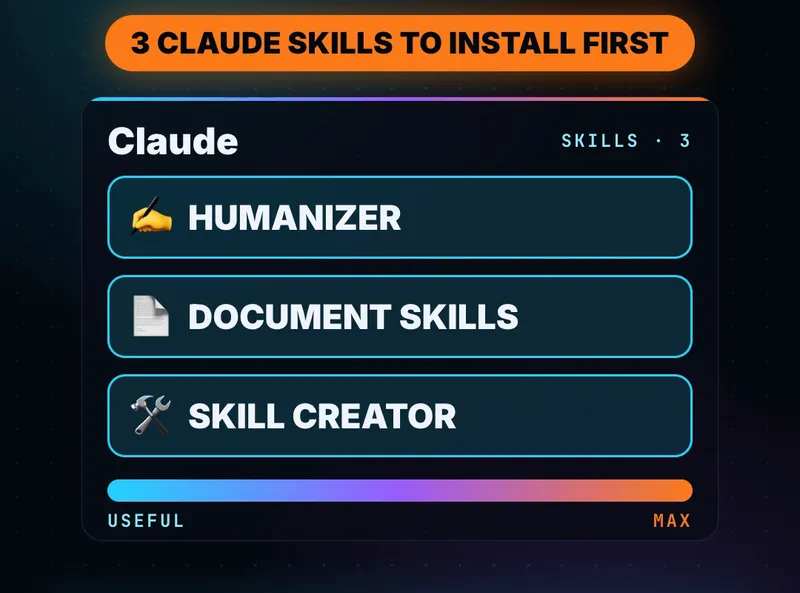
New to Claude? Skills teach it a specific job, the same way every time. Start with three: Humanizer rewrites AI-sounding text, Anthropic's document skills make real Word docs, PDFs, slides and spreadsheets, and Skill Creator turns a job you repeat into your own skill. How to switch them on, prompts to try, and the catch.

Free setup guide · 7 pages · PDF
3 Claude skills to install first
How to switch skills on in Claude.ai and Claude Code, install commands for all three, prompts to try, and a safety checklist before you install anyone's skill.
⬇ Download the PDFEveryone says to install Claude skills. Fewer people say which ones, or how. If you’re new to Claude, these three are a good start: one fixes how your writing sounds, one makes real files, and one teaches Claude the jobs you do every week.
What a skill is
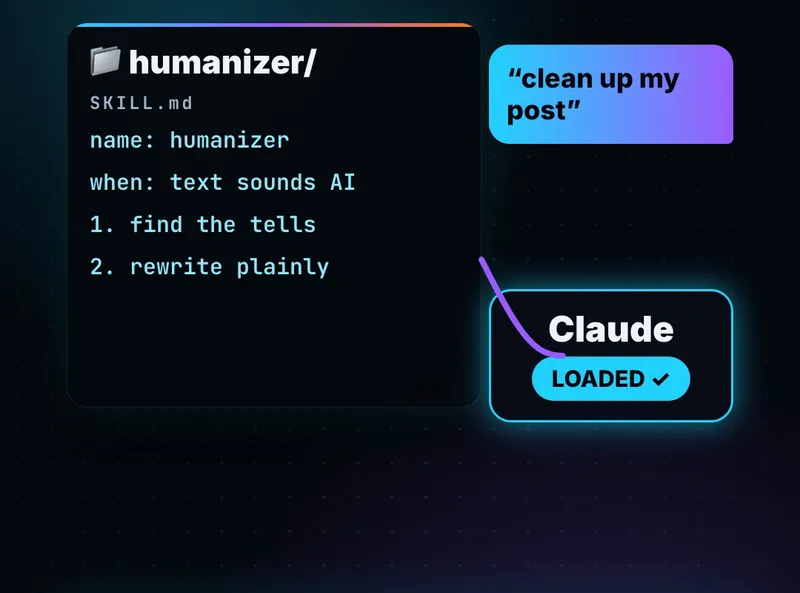
Anthropic describes skills as “folders of instructions, scripts, and resources that Claude loads dynamically” for specialized tasks. Each one has a SKILL.md file with a name, a description of when to use it, and the steps. You don’t have to call a skill by name: describe the job, and Claude loads the skill that fits.
Switch skills on
Claude’s help center lists skills on the Free, Pro, Max, Team and Enterprise plans, and they need code execution switched on.
- Claude.ai (Free, Pro, Max): Settings → Capabilities, turn on Code execution and file creation (called “Create and edit files” in the newer layout).
- Go to Customize → Skills and toggle skills on.
- To add a skill from a ZIP: Customize → Skills → + → Create skill → Upload a skill, then pick the ZIP.
- Team and Enterprise: an admin first enables Skills in Organization settings → Plugins & skills.
- Claude Code: install skills as plugins with
/plugin marketplace addand/plugin install(commands below).
1. Humanizer
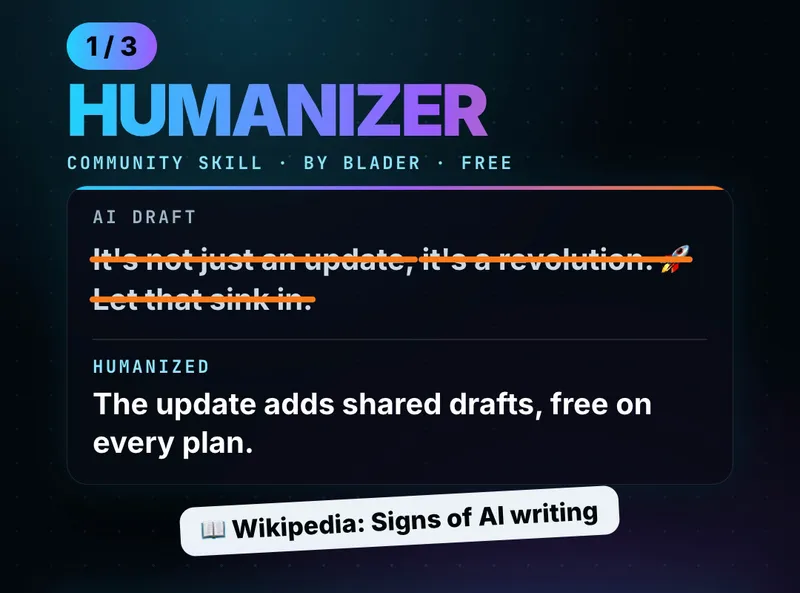
Humanizer (by blader, MIT license) “makes AI-written text sound like a person wrote it, without changing what it says.” It’s built on Wikipedia’s Signs of AI writing guide, the list Wikipedia editors use to spot AI text, and checks for 26 patterns. The five it fixes on sight: “not X but Y” lines, one-line closers like “Let that sink in.”, sayings that sound deep, a staged run-up (“Here’s the thing.”), and arguing with no one.
Install in Claude Code:
/plugin marketplace add blader/humanizer
/plugin install humanizer@humanizer
Claude.ai or the desktop app: on the GitHub page, Code → Download ZIP, then upload it as a skill (step 3 above).
Try this prompt
Giving it a sample of your own writing makes the rewrite sound like you:
/humanizer

Here's a sample of my writing for voice matching:
[paste 2-3 paragraphs you wrote yourself]

Now humanize this text:
[paste the AI draft]
Use case
A freelancer drafts client emails with Claude but hates that they all sound like the same chatbot. They paste three of their own old emails as the voice sample, run the draft through Humanizer, and send something that reads like them, after checking the facts.
2. Anthropic’s document skills
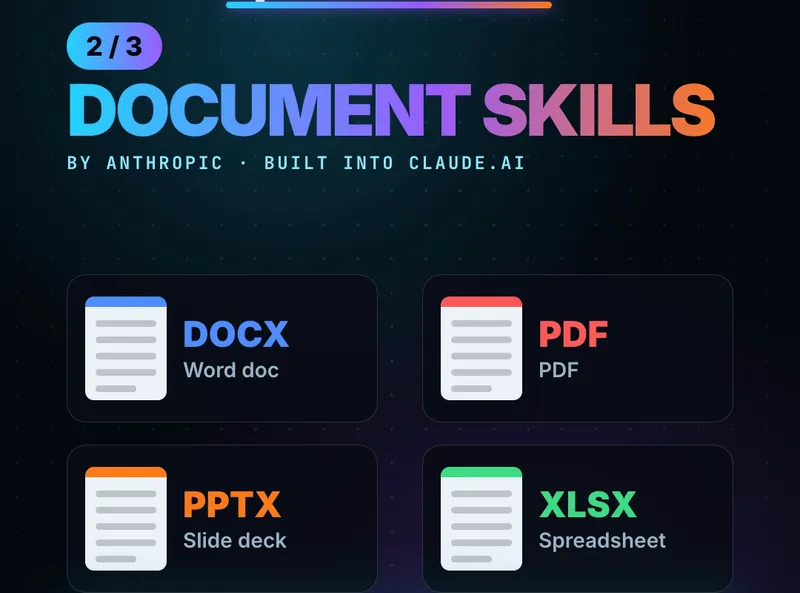
These are the skills that power Claude’s own file creation: docx, pdf, pptx and xlsx. With them, Claude makes real Word docs, PDFs, slide decks and spreadsheets you can open and edit, not just text in a chat. Anthropic’s README says its skills are already available on paid Claude.ai plans; in Claude Code you install them as a plugin.
Install in Claude Code:
/plugin marketplace add anthropics/skills
/plugin install document-skills@anthropic-agent-skills
One thing to know: the four document skills are source-available, not open source. You can read them, but check the license before reusing their code.
Try this prompt
Use the xlsx skill. Make a monthly budget spreadsheet for my
[business] with columns for date, item, category and amount,
a total per category, and a chart of spending by category.
Then: “Use the pptx skill to make a 5-slide summary of this budget for my team.” You get two real files from one conversation.
3. Skill Creator
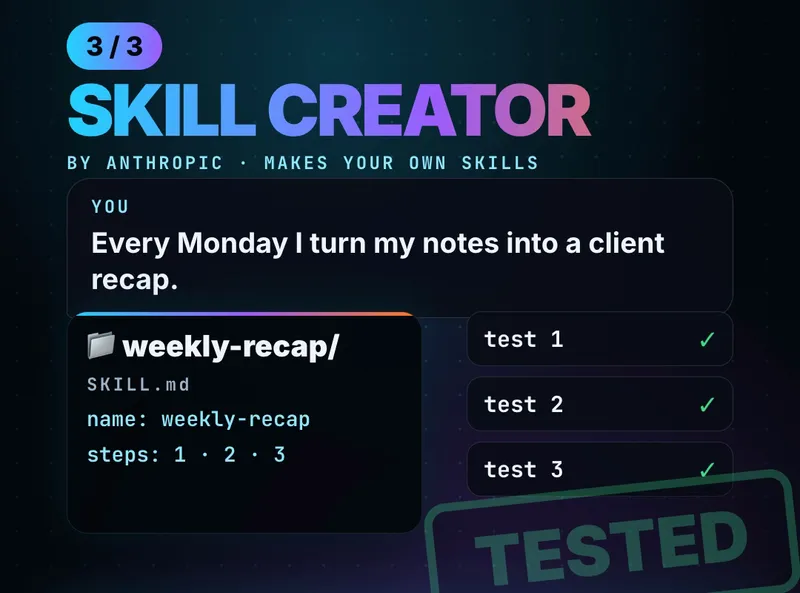
Skill Creator is Anthropic’s skill for making skills. Its own description: “Create new skills, modify and improve existing skills, and measure skill performance.” Describe a job you repeat, and it drafts the SKILL.md, writes test prompts, runs them, and rewrites the skill from the results.
Install in Claude Code: it’s in Anthropic’s example-skills plugin:
/plugin marketplace add anthropics/skills
/plugin install example-skills@anthropic-agent-skills
Workflow: your first own skill
- Pick a job you do the same way every week (a client recap, a weekly report, replies to common questions).
- Ask: “Use the skill-creator skill. Every Monday I turn my meeting notes into a client recap email with what we did, what’s next, and what I need from them. Help me make a skill for this.”
- Answer its questions about when the skill should run and what the output looks like.
- Let it test the skill on last week’s real notes, and tell it what to fix.
- Next Monday, just paste the notes: Claude picks up the skill on its own.
The catch
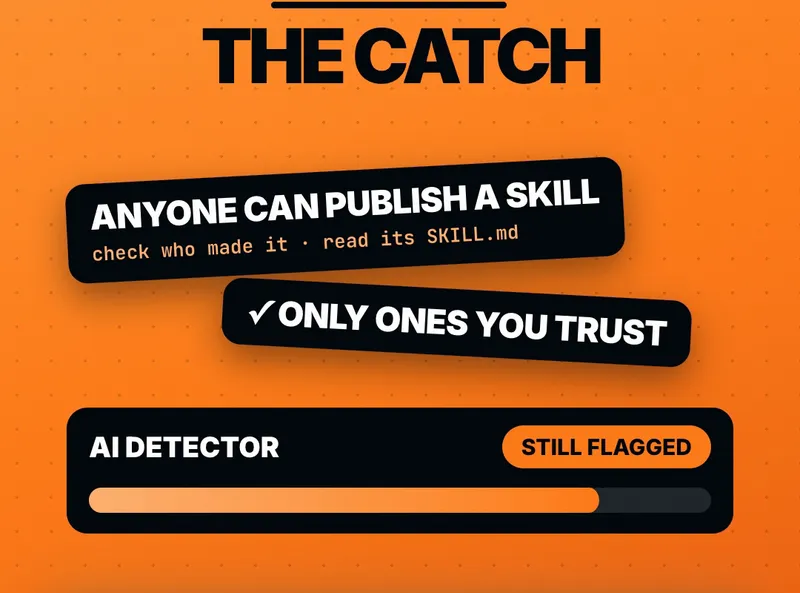
- Anyone can publish a skill. Claude’s help center says to install skills “only from trusted sources” and names prompt injection and data exfiltration as the main risks. Read a skill’s
SKILL.mdbefore you turn it on, and be careful with bundled code or instructions to contact outside websites. - Humanizer won’t fool AI detectors. Its own README says getting past detectors is not a goal, and that detectors still flag most of its output. Use it to write better, not to hide AI use where it isn’t allowed.
- Skills can still get things wrong. Anthropic’s README says to test skills in your own setup before relying on them. Check files and facts before you send them.
The fine print
Commands, menus and plan details are from each project’s GitHub page and Claude’s help center as of October 27, 2026, and can change. AI Stack Signal is not affiliated with Anthropic or the Humanizer project.
Sources & links 5
- GitHub: Humanizer README (blader/humanizer, MIT) github.com ↗
- GitHub: Anthropic skills repo README (document skills, plugin install) github.com ↗
- GitHub: Skill Creator SKILL.md github.com ↗
- Claude Help Center: Using skills in Claude support.claude.com ↗
- Wikipedia: Signs of AI writing en.wikipedia.org ↗
More on Claude AI News, AI for Beginners