Signals/ ChatGPT & OpenAI/ Reel /
ChatGPT Is Quietly Watermarking Its Text: What It Means for You
OpenAI's textGrain hides an invisible pattern in the words ChatGPT and Codex write. It's rolling out in the EU on every plan. Below: how it works, how well it holds up when you reword, what it can't reveal about you, and what to do if you write with AI.
Free guide · 7 pages · PDF
AI watermarks: what they mean for you
Who gets the watermark, how textGrain works, OpenAI's test numbers, what it means for students, freelancers, teams and developers, two copy-paste AI-use notes and a checklist.
⬇ Download the PDFOn October 5, OpenAI announced textGrain, an invisible watermark for text written by ChatGPT and Codex. It’s part of how OpenAI plans to label AI content in the EU, and it’s rolling out there over the coming weeks. You won’t see anything different on screen.
1. How textGrain works
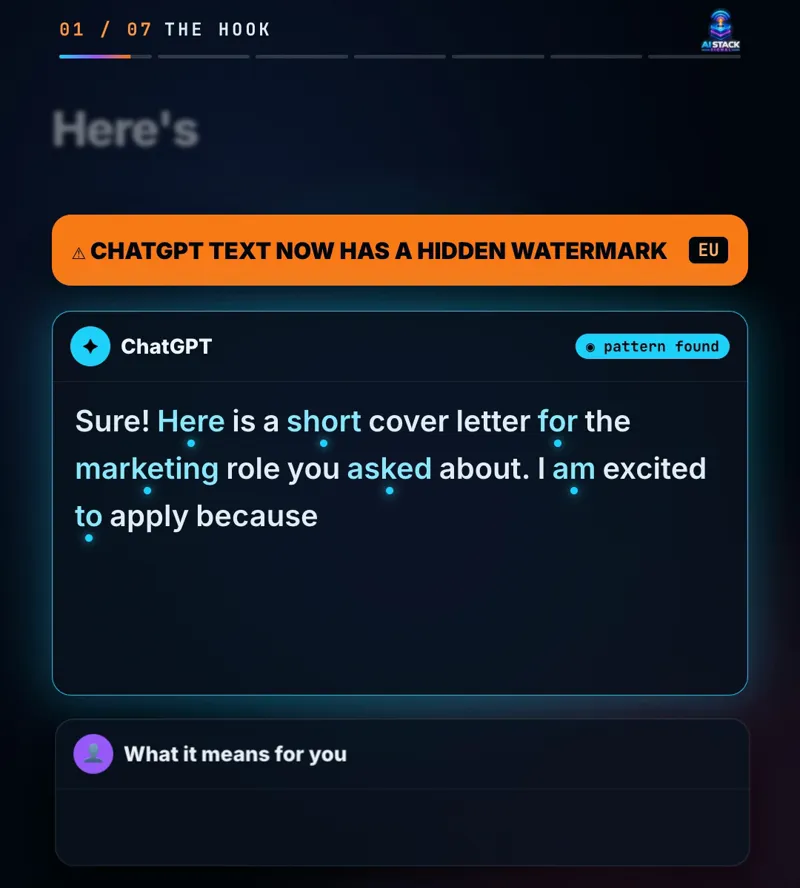
When a model writes, it picks each next word from several good options. textGrain nudges those picks slightly, so over many words a statistical pattern builds up. A reader can’t see it. A detector that knows the pattern can.
There are no hidden characters, invisible spaces or odd punctuation. The signal lives in the word choices themselves, so copying and pasting the text keeps it.
An example
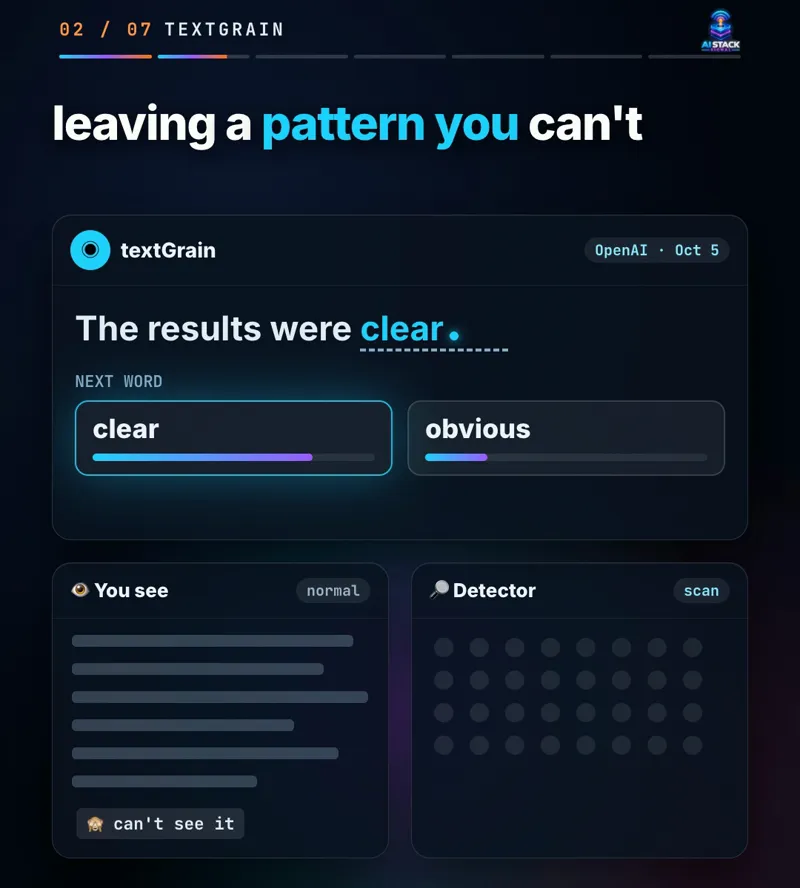
“The results were clear” and “The results were obvious” both read fine. The watermark leans the choice one way. One word proves nothing, but hundreds of leaned choices add up to a pattern. That’s why a few paragraphs are much easier to check than a single sentence.
2. Who gets it
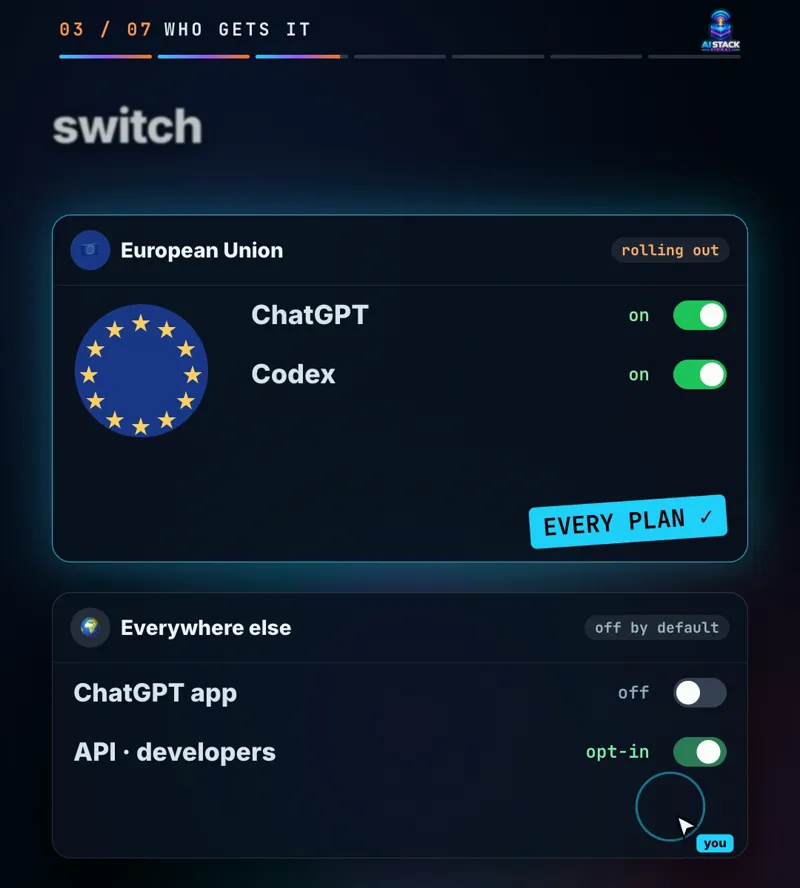
- ChatGPT in the EU: eligible users on every plan, rolling out over the coming weeks.
- Codex in the EU: the same rollout.
- The API, worldwide: developers can switch it on for select models. It’s off by default.
- Everyone else: no watermark by default, and no date announced.
3. How well it holds up
OpenAI published its own test results with the announcement. On passages of about 400 tokens (a few paragraphs):
| Text | Detected |
|---|---|
| Straight from the model | about 92% |
| 10% of words swapped for synonyms | 66% |
| 25% of words swapped for synonyms | 17% |
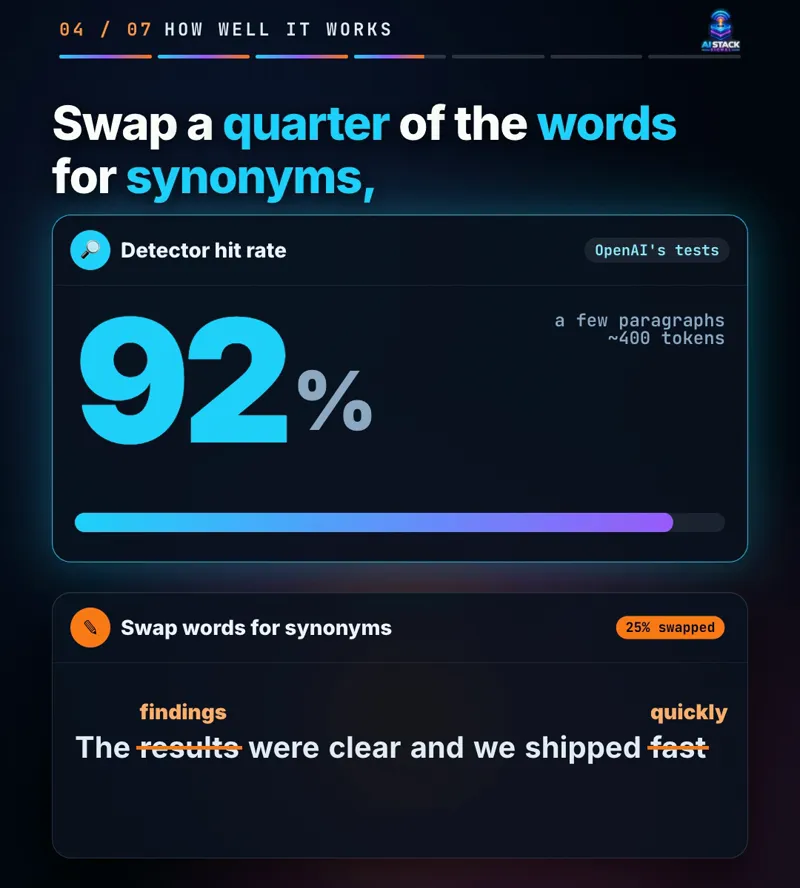
Short texts, maths answers and translated text are harder to detect. Rewording weakens the signal fast, so a heavily edited draft may show nothing at all.
4. What it means for you
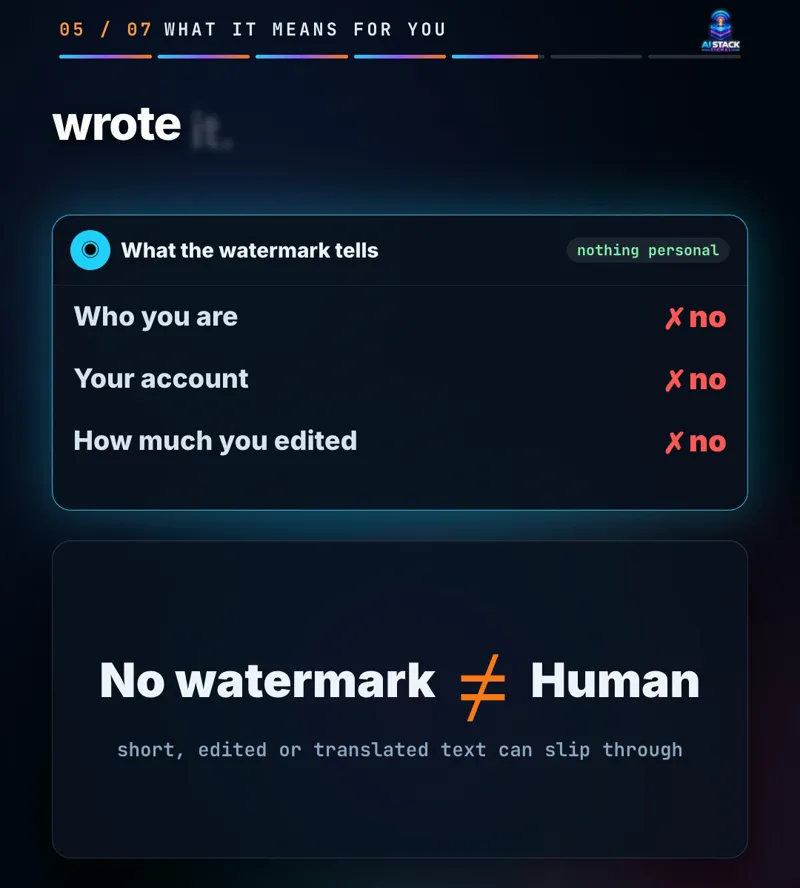
A detected watermark doesn’t say who you are. It doesn’t reveal your account, your prompt or how much of the final piece you wrote or edited yourself. The reverse matters just as much: no watermark doesn’t prove a human wrote something. The text may be short, reworded, translated or written by another company’s AI.
By who you are
- Students: the watermark doesn’t change your school’s AI rules. It only makes AI text easier to spot later. If AI help is allowed, say how you used it, and keep your notes and drafts.
- Freelancers: tell clients up front when AI drafts are part of your process and where your own work comes in.
- Teams: add a short AI-use line to your content policy: which tools, which jobs, who reviews, and how AI help is disclosed.
- Developers: in the API it’s your switch, off by default. Decide on purpose whether your product turns it on.
Copy-paste: an AI-use note for your work
AI use: I used [tool] to [brainstorm / outline / draft / edit]
[which parts]. I checked the facts, rewrote [which parts] in my
own words and I'm responsible for the final version.
Copy-paste: ask ChatGPT about your situation
I [study at / work for / freelance for] [where]. Summarise what
OpenAI's text watermark (textGrain) does and doesn't reveal, then
help me draft a short, honest note on how I use AI for [task].
Use case
A freelance copywriter in Berlin drafts client blog posts with ChatGPT. Before the next invoice, they add the AI-use note to their proposal template, say which parts ChatGPT drafted and which they rewrote, and keep their outlines. If a client ever runs a check, nothing in the result is a surprise.
The catch
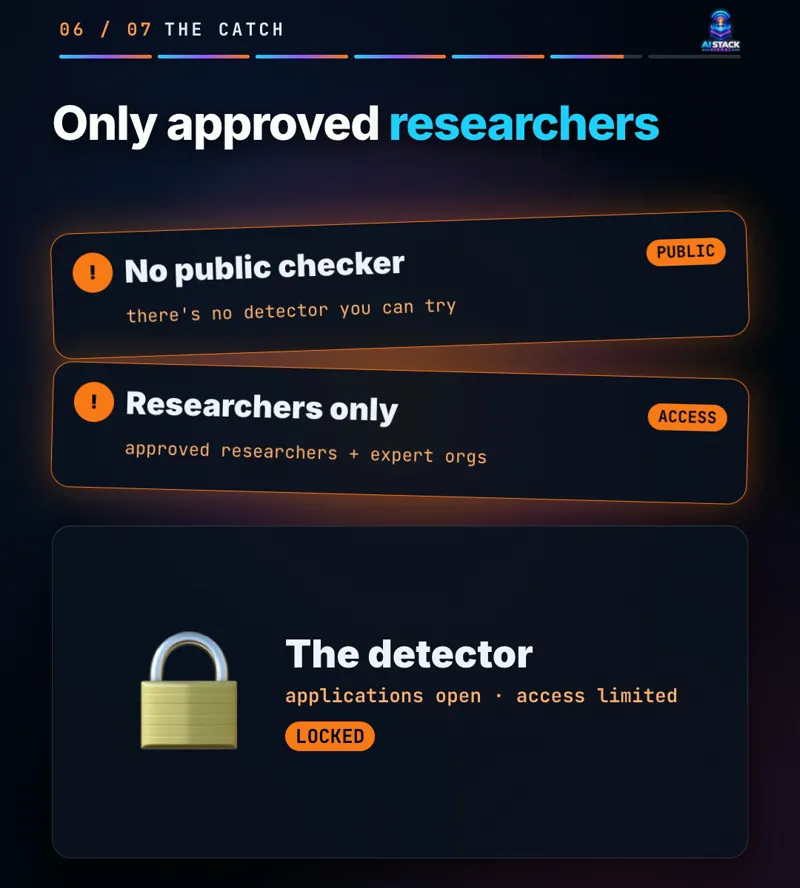
- No public checker. At first, only approved researchers and expert organizations can apply to use OpenAI’s detector.
- So websites can’t check it for you. Any site that claims to “check ChatGPT’s watermark” isn’t using OpenAI’s detector. Treat AI-text checkers as rough guesses, and never accuse anyone on a score alone.
- Mistakes happen both ways. OpenAI says false positives and false negatives both occur, especially on short texts and maths.
The fine print
Details are from OpenAI’s October 5, 2026 announcement as reported by TechCrunch, BleepingComputer and 9to5Mac (OpenAI’s page blocked our fetch, so every fact here is confirmed in at least two of them). The prompts and the example are ours. This is general information, not legal advice. textGrain is still rolling out, so check OpenAI’s post for the latest.
Do you tell people when AI helped you write something?
Sources & links 5
- OpenAI: EU text provenance announcement (Oct 5, 2026) openai.com ↗
- OpenAI: textGrain technical report (PDF) cdn.openai.com ↗
- TechCrunch: OpenAI will start watermarking ChatGPT's text in the EU (Oct 5, 2026) techcrunch.com ↗
- BleepingComputer: OpenAI is adding invisible watermarks to ChatGPT and Codex text in the EU (Oct 5, 2026) bleepingcomputer.com ↗
- 9to5Mac: OpenAI details new text watermarking system for ChatGPT, Codex, API (Oct 5, 2026) 9to5mac.com ↗
More on ChatGPT & OpenAI News, AI for Beginners