Signals/ Claude & Anthropic/ Reel /
People Are Using AI to Make Smart TVs Dumb Again
People are using AI coding assistants to strip the ads, tracking and clutter out of their smart TVs. Three free, open-source projects lead the trend: CleanYourTV for Android and Google TV, Free My TV for Google TV, LG and Samsung, and dumbtv for Fire TV. What each one does, which fits your TV, and the catch.
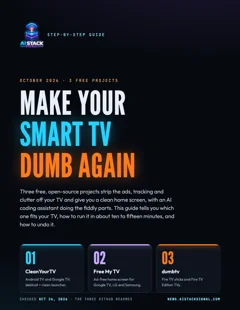
Free step-by-step guide · 7 pages · PDF
Make your TV dumb again
Which project fits your TV, each one step by step with what to tell your AI assistant, how to undo it, and a safety checklist.
⬇ Download the PDFSmart TV home screens have filled up with sponsored rows, banner ads and apps nobody asked for. This month, people started pointing AI coding assistants like Claude Code at their TVs and asking them to clean it all up. The trend turned into three free, open-source projects you can run yourself, each with a way to undo it.
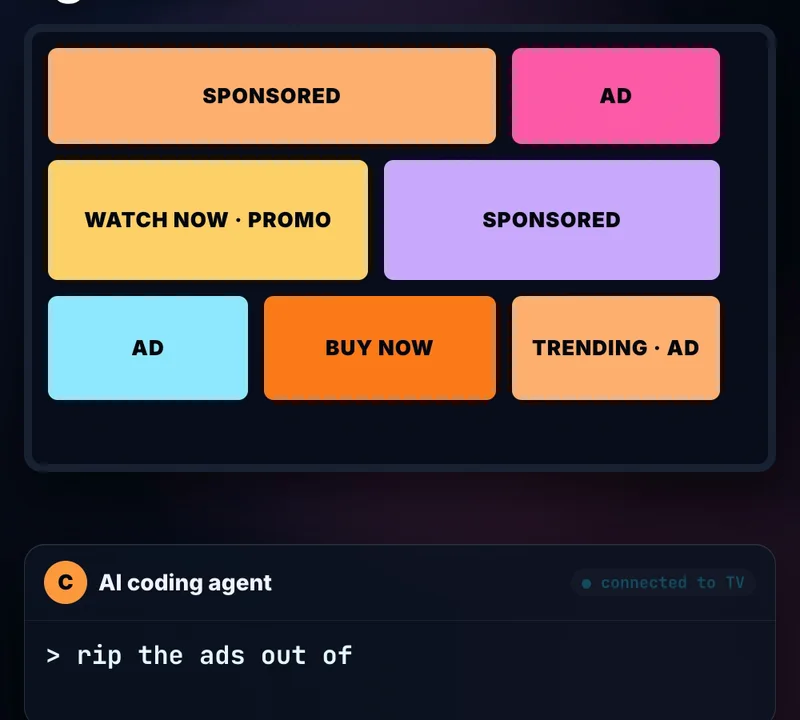
1. CleanYourTV: Android and Google TV
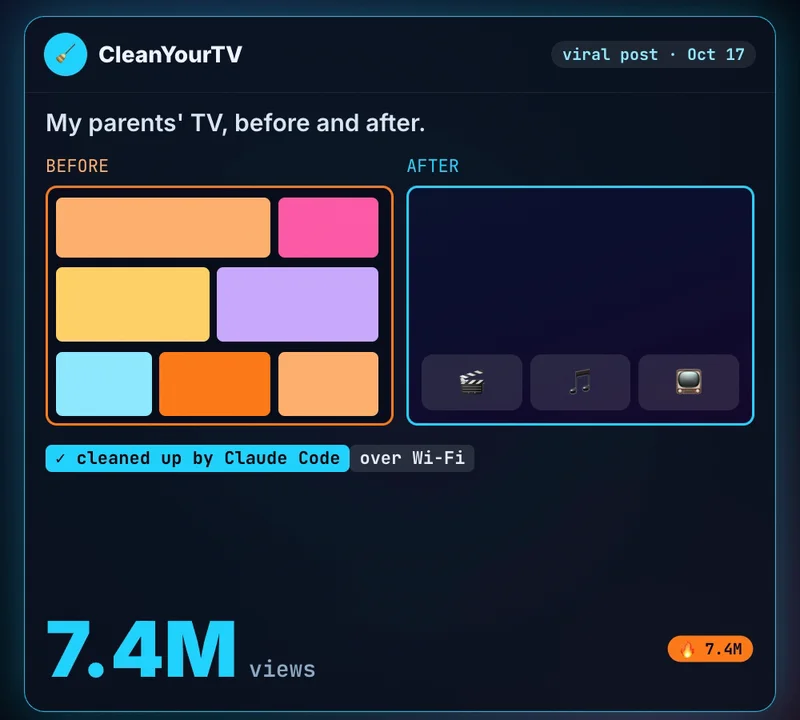
It started on October 17, when its creator posted a before-and-after of his parents’ TV, cleaned up by Claude Code over Wi-Fi. The post reached 7.4 million views, and people began doing the same to their own TVs. Their reports became the project’s lists of supported models.
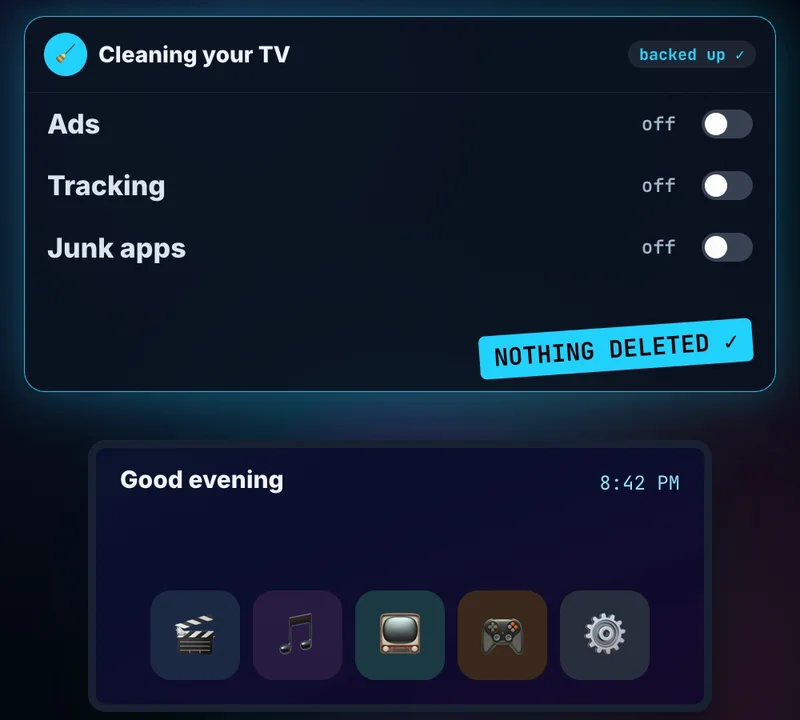
It works in three steps. It backs up the TV’s list of apps and settings, switches off the maker’s telemetry, ad services, content rows and preloaded junk (nothing is uninstalled, so a restore script can undo every step), and installs a small, clean home screen. No root, no cable. The README says it takes about fifteen minutes with a coding assistant, and there’s a community phone app if you don’t have a computer.
Try this prompt
After cloning the project and opening it in your assistant (with USB debugging on, on the TV):
I want to clean up my [TV brand + model] at [TV IP address].
Use this repo's PROMPT.md and its own scripts. Back up first,
ask me before disabling anything I might use (I watch: [your apps]),
and show me the restore command at the end.
2. Free My TV: Google TV, LG and Samsung
Free My TV replaces the home screen instead of cleaning the system: “A fast, ad-free home screen for Google TV, LG and Samsung TVs.” Your apps sit on a glass shelf, there are no sponsored rows, and one button brings back the factory home screen. It’s MIT-licensed and was built with Claude Code.
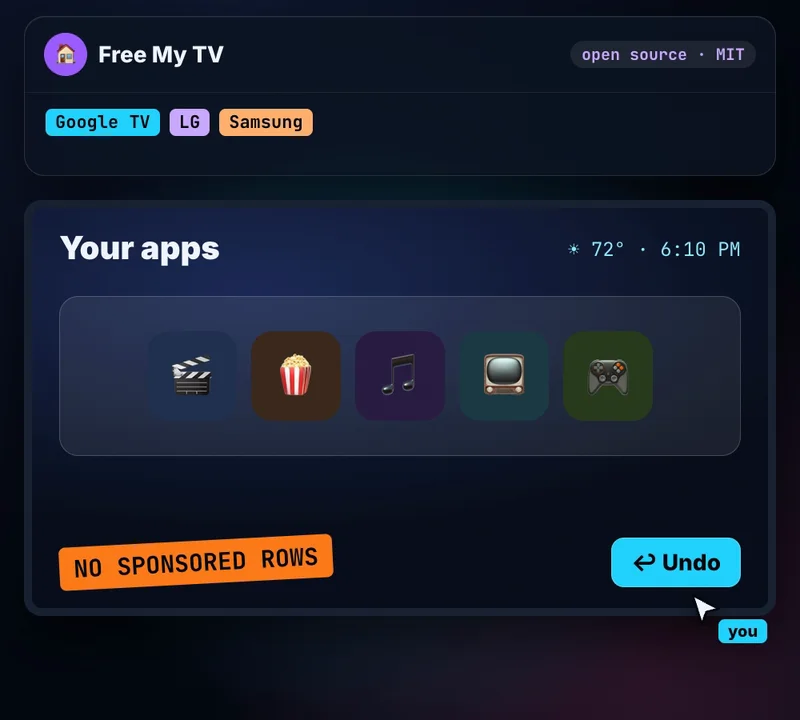
On a Google TV, the README’s easy way is to turn on developer mode and tell your AI assistant: “Install Free My TV (github.com/simbasjungles/free-my-tv) on my TV at [IP]. I live in [city].” LG and Samsung TVs install it as an app through the makers’ own developer modes.
3. dumbtv: Fire TV
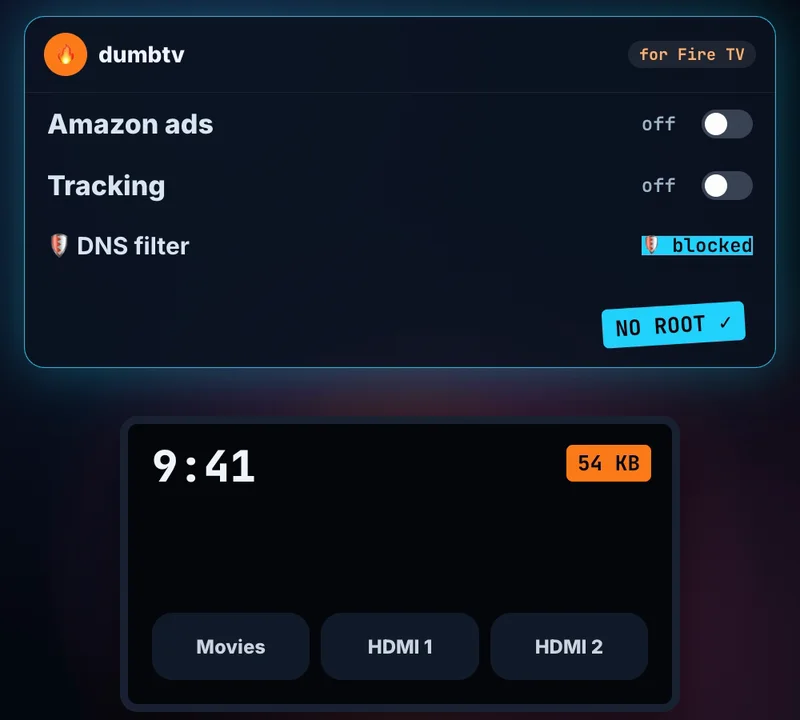
For a Fire TV stick, Cube or Fire TV Edition television, with no root. dumbtv switches off Amazon’s sponsored rows, ad services, screen fingerprinting and telemetry, blocks what can’t be switched off with a small DNS filter on the TV, and swaps in a 54 KB home screen with your apps and inputs. Your streaming apps stay, and one command undoes everything.
Workflow
- On the Fire TV: Settings → My Fire TV → About → press OK on the device name 7 times → Developer Options → ADB debugging on.
- Clone the project, open your coding agent in it and say: “Clean up my Fire TV. Its IP address is [IP].”
- It asks a few questions, then runs the steps, asking before each one.
- Changed your mind?
./scripts/restore.shputs everything back.
Which one fits your TV?
- Android TV or Google TV (Sony, TCL, Hisense and others): CleanYourTV for a full cleanup, or Free My TV for just a new home screen.
- LG (webOS 3+) or Samsung (2016+): Free My TV.
- Amazon Fire TV: dumbtv.
- Roku and older non-Android sets: none of the three. CleanYourTV links a guide to switch off tracking by hand.
The catch
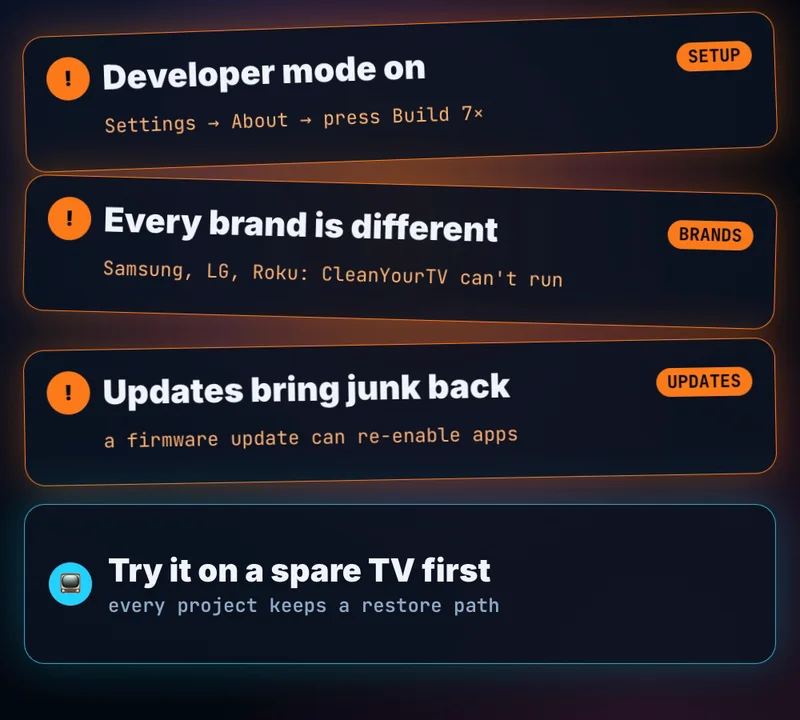
- You have to turn on developer mode on the TV, and approve a computer connecting to it.
- Every brand is different. What works on one model can need changes on another.
- A TV update can bring the junk back. CleanYourTV’s README says a firmware update re-enables the disabled apps; its check tool can re-apply the cleanup.
- Try it on a spare TV first, keep the undo path handy, and switch debugging off again when you’re done.
The fine print
Details are from each project’s README as of October 26, 2026. These are community projects, not supported by the TV makers, and changing your TV’s software is at your own risk.
What TV would you clean first?
Sources & links 4
More on Claude AI News, AI for Beginners, AI Safety & Regulation News