Your Most Expensive AI Shouldn't Be the One Typing the Code
One developer made GPT-6.1 Sol the boss and a self-hosted GLM-5.3-Flash the worker inside OpenCode. The boss plans, briefs, reads every change and runs the checks; the worker explores, edits, tests and fixes. Here's the setup in plain English, the four agents, a simplified config, his honest warnings, and our tips for trying a smaller version.
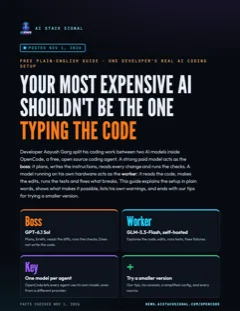
Free guide · 7 pages · PDF
The boss and worker AI coding setup
The idea in plain words, the four agents and their jobs, why OpenCode makes it possible, a simplified config, his honest warnings, and our tips for trying a smaller version.
⬇ Download the PDFAI coding tools burn most of their effort on routine work: reading files, making edits, re-running tests. On November 1, 2026, developer Aayush Garg published how he moved that routine work off his expensive model. In his write-up, GPT-6.1 Sol is the boss and GLM-5.3-Flash, running on his workplace’s own servers, is the worker. Both run inside OpenCode, a free, open source coding agent. Here’s how it works, in plain words, with his own warnings and our tips for trying a smaller version.
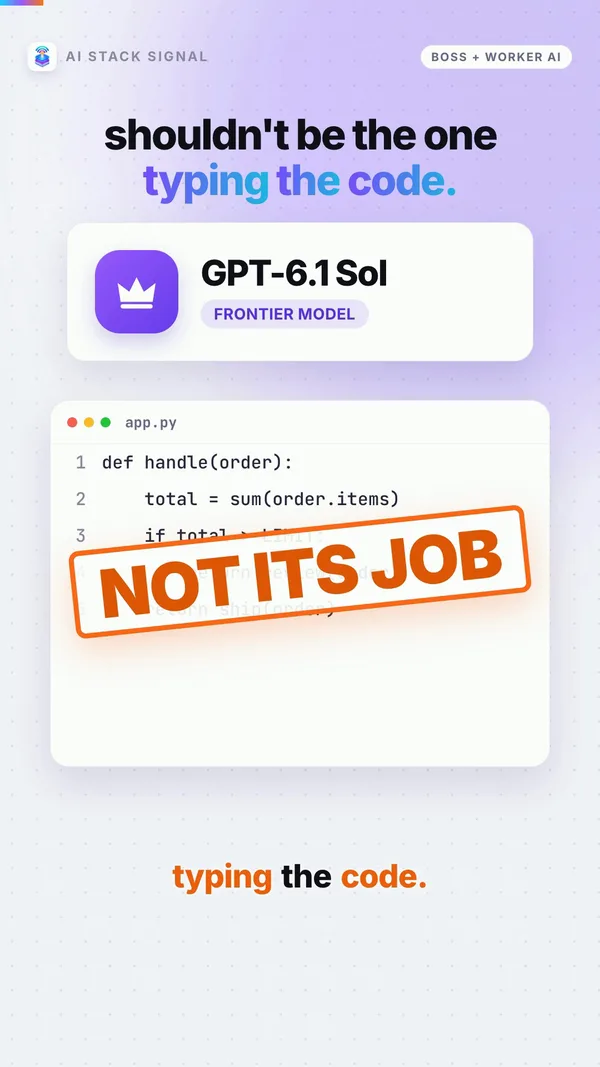
The idea: pay for judgment, not typing
Garg’s reason is simple. He did it “so that I can cut down my Claude Code and Codex usage.” The split, in his words:
“Sol does the planning, writes the briefs, reads the diffs and runs the checks, while GLM reads the code, makes the edits, runs the tests and iterates on failures.”
And the payoff: “the plan limits (or the API bill) go to judgment and most of the tokens go to in-house GPUs.” Tokens are the units AI usage is counted and billed in, so moving them to your own hardware moves the cost there too.
The worker is not a toy model:
- Free and self-hosted. “GLM-5.3-Flash is free, runs on a single 4-GPU H200 server.”
- Big but light. It’s “an MoE model (320B total, only 18B active).” MoE (mixture of experts) means only a small part of the model works on each word, which keeps it fast.
- Long memory. “I serve it with a 512K context window,” so it can hold a lot of code at once.
- Shared. The server handles “around 8 to 10 people at the same time.”
- Good enough for most work. He calls it “good enough for low and medium complexity tasks.”
Why he has the hardware at all: “In my current job we have quite a few H200 GPU servers.” Most people don’t, which is why we end with a smaller version.
The boss earns its keep, too: “Sol also catches things GLM misses.”
How much work moves to the worker
He measured one small example and gives a rougher figure for bigger work:
- Measured, on a toy task: “GLM with 104.6k tokens and Sol with 68.2k so even this toy task sent about 60% of the tokens to GLM.”
- His experience on bigger tasks: “roughly ~70-75% of the tokens go to GLM and only ~20-25% to Sol.” That’s his observation, not a benchmark he published.
He checked the split with opencode stats --project . --models --cost. No dollar savings or speed numbers appear anywhere in the post.
Use case
You pay for one strong AI coding plan and keep hitting its limits halfway through the week. Most of what eats those limits is the model reading files and retrying tests. A boss and worker split keeps the strong model for planning and checking, and hands the reading and retrying to a cheaper one.
Takeaway
The expensive model doesn’t need to do the typing. It needs to decide what gets typed and check the result.
The four agents
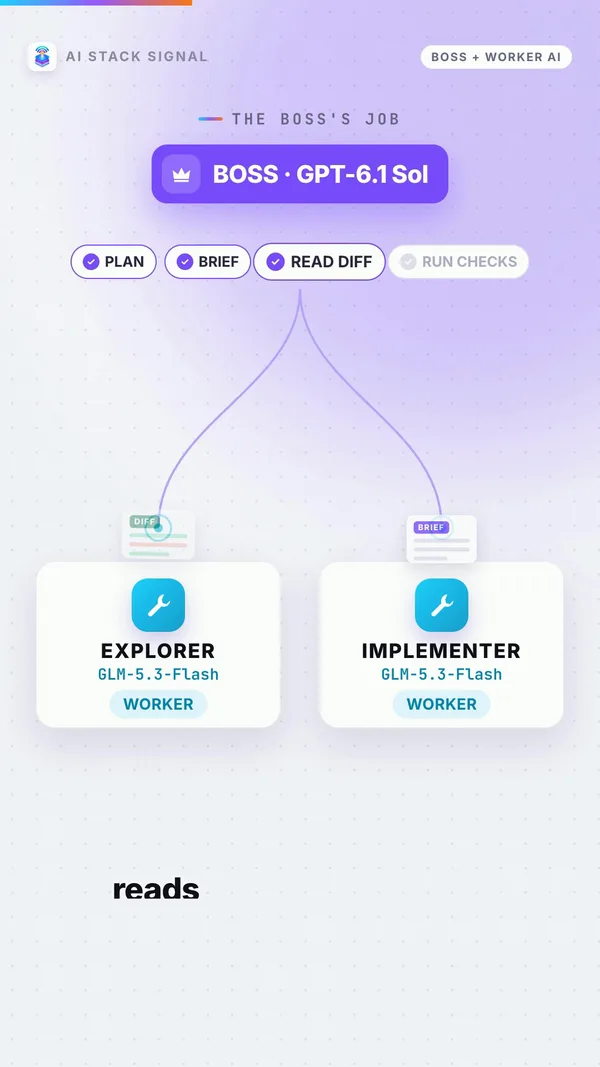
In OpenCode, an agent is an AI helper with its own instructions, permissions and model. A subagent is one the main agent can hand work to. Garg’s setup has one boss and three helpers:
| Agent | Runs on | Job | In his words |
|---|---|---|---|
| orchestrator (the boss, default) | GPT-6.1 Sol | Plans, hands out work, checks results, reports back | “Leads the work. Plans, delegates to explorer and implementer, verifies results, reports back. Does not implement.” |
| explorer | GLM-5.3-Flash | Reads through the code to answer questions | “Use explorer for any question that needs reading more than a couple of files.” |
| implementer | GLM-5.3-Flash | Makes the edits, runs the tests, fixes failures | “stay in scope, stop and report both readings if the brief and the code disagree and never claim something passed that it did not run.” |
| reviewer (optional) | GPT-6.1 Sol | A second opinion for risky work | “Use reviewer only for changes that cut across several files or are risky.” |
Two house rules for the boss stop it from overloading the server or quietly doing the work itself:
- “At most 3 GLM agents (explorer, implementer) at once; the GLM server is shared.”
- “After two failed rounds on one issue, ask me before fixing it yourself.”
He also closed the back doors. OpenCode has built-in helpers called general and explore, and he turned them off because they “would run on the default model (Sol).” Small background jobs, like naming and summarizing a chat, go to GLM as well.
The toy example
He asked for “a longest_word(text) function with tests” in a small Python project. The boss handed it to the implementer, then ran “git diff, python3 -m unittest and git diff —check itself.” It spotted a weak test where “hello and world tie at five letters,” sent the work back, and “signed off once the 7 tests passed.” That’s the whole point of the boss: it doesn’t take the worker’s word for it.
Use case
You lead a small team and already review everyone’s pull requests. This is the same shape with AI: the worker drafts, the boss reviews the diff and reruns the tests before anything counts as done.
Takeaway
One boss that never codes, two workers that do, and a reviewer on call for the risky stuff. The rules matter as much as the models.
Why OpenCode makes it possible
The OpenCode docs describe it like this: “OpenCode is an open source AI coding agent. It’s available as a terminal-based interface, desktop app, or IDE extension.”
The feature this setup depends on, per Garg: “every agent or subagent can have its own model from a different provider which is the one most important feature this setup needs.” The Agents docs back that up: “Use the model config to override the model for this agent,” with model names in “the format provider/model-id.” If you leave the model out, subagents “will use the model of the primary agent that invoked the subagent,” which is why every helper needs its model set.
His worker plugs in as an ordinary OpenAI-style server: “My local GLM provider uses @ai-sdk/openai-compatible so it talks plain Chat Completions, and tool calls and streaming work.” And the boss doesn’t need an API key: “OpenCode can log in with a ChatGPT plan.”
Why not the bigger names? In Codex his subagent failed with “The ‘coder-glm’ model is not supported when using Codex with a ChatGPT account.” In Claude Code, “a subagent can pick a different model but not a different endpoint.” He names Pi as another option.
A simplified example config
This is our simplified example, modelled on his setup to show the idea. It is not his exact file: his lives at ~/.config/opencode/opencode.json, and his boss is set up in a separate orchestrator.md file. Check the Agents docs for every field before you use it.
{
  "model": "openai/gpt-6.1-sol",
  "default_agent": "orchestrator",
  "provider": {
    "glm": {
      "npm": "@ai-sdk/openai-compatible",
      "options": { "baseURL": "http://YOUR-SERVER/v1", "timeout": 900000 },
      "models": { "coder-glm": { "name": "GLM-5.3-Flash" } }
    }
  },
  "agent": {
    "general": { "disable": true },
    "explore": { "disable": true },
    "explorer":    { "mode": "subagent", "model": "glm/coder-glm" },
    "implementer": { "mode": "subagent", "model": "glm/coder-glm" },
    "reviewer":    { "mode": "subagent", "model": "openai/gpt-6.1-sol" }
  }
}
Each helper also needs a description and a prompt (its instructions), which we left out to keep it short. Keep your API key out of the file; he reads his from a separate one. The 900000 is milliseconds: his server is shared, so a request “can wait in a queue for a few minutes when it is busy so the client timeout is 15 minutes.”
Use case
You already run a model on a home GPU with an OpenAI-compatible server. Add it as a provider, point your explorer and implementer at it, and leave your paid model as the default boss. Nothing else about how you use OpenCode has to change.
Takeaway
The whole setup comes down to one setting: a different model for each agent, with no fallback to the expensive one.
The honest limits
Garg is upfront about the weak spots. Read these before you copy anything.
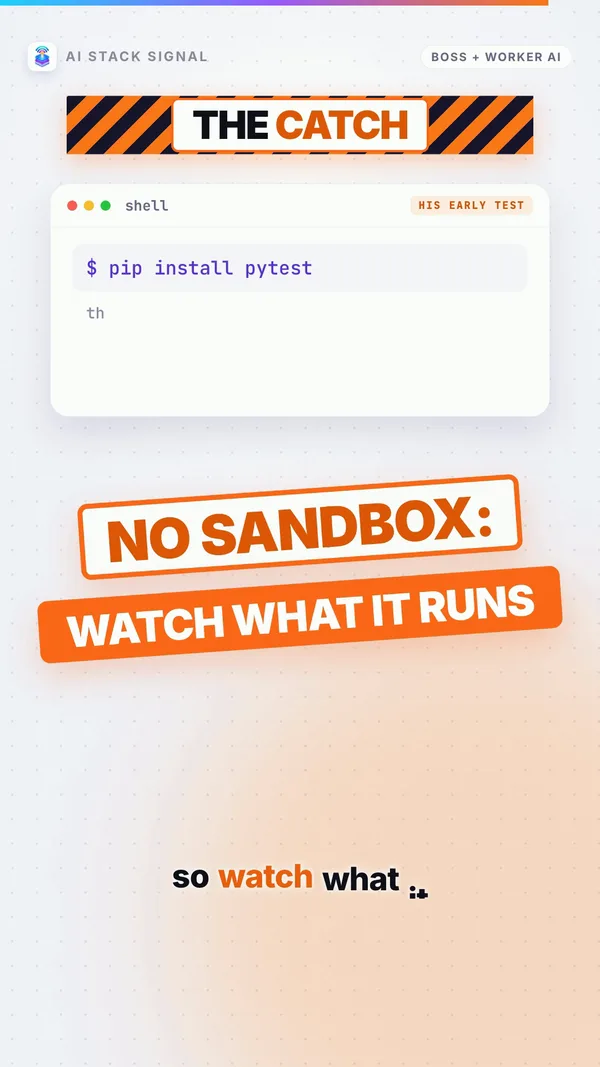
- There is no sandbox. “OpenCode does not sandbox the agent (SECURITY.md) unlike Codex (Seatbelt on macOS).” OpenCode’s own SECURITY.md says its permissions are “not designed to provide security isolation.” In plain words, the AI runs commands on your real machine. It happened to him: “in an early test my GLM implementer pip-installed pytest on its own.”
- So he made it ask first. His rules “ask before any shell command except read-only git, rg, builds, tests and lint,” and also ask first on ”> , .env, an absolute or home path, or ../” (writing to files, secret files, and paths outside the project). Order matters: “the last match wins.”
- Shared servers mean waiting. Hence the 15-minute timeout and the cap of 3 worker agents at once.
- The example is a toy. The only run he shows is a small Python function; his real sessions stay private because “that is client work.” The 70-75% figure is his experience.
- Not for every task. “I would not ideally switch to it for all tasks but it pairs really well with Sol (or maybe Opus 5.5).” Frontier models are “way ahead of their open-source counterparts for complex tasks.”
One thing the post leaves out: how GLM is served on those GPUs. “How the model is deployed on the H200s is a separate post maybe for another day.”
Takeaway
It’s a real setup from a real developer, with one shown example and no cost figures. Treat the numbers as his experience and the permission rules as required, not optional.
Try a smaller version (our tips)
Most people don’t have a 4-GPU H200 server, and Garg says you don’t need his exact model: “Nothing here depends on GLM. You can deploy this model or any other one, even something like Qwen3.8-27B on a single GPU.”
Everything below is our advice, not his. In particular, using a cheaper hosted API as the worker is our idea; his post only talks about running your own model.
- One paid boss, one cheaper worker. Keep the strong model you already pay for as the boss. For the worker, run a smaller model on your own GPU, or try a cheaper model through any API that speaks the OpenAI-compatible format.
- Give each worker its own files. Two workers editing the same file undo each other. His boss already does this, giving the implementer briefs with separate file sets.
- Cap how many run at once. A small server or a rate-limited API chokes fast. Start with one or two workers at a time.
- The boss reads the diff and reruns the checks. Never trust a worker’s “tests passed.” Make the boss look at the actual changes and run the tests itself.
- Approve shell commands yourself. There’s no sandbox, so set commands to “ask” and read each one. Better still, start in a throwaway copy of your project.
- Check the split. Run
opencode stats --project . --models --costafter a few sessions. A custom model shows $0.00 “only because no price is set for a custom model,” so that number isn’t real savings.
Use case
You have one gaming PC with a decent GPU and a paid coding plan. Run a small open model on the PC as the worker, keep your paid model as the boss, give the worker one folder at a time, and approve every command it wants to run. After a week, check the stats to see whether your plan limits last longer.
Takeaway
You don’t need his hardware to try the idea. You need a second model, separate files for each worker, and a boss that checks everything.
The fine print
- Token share: “70-75%” is the author’s rough experience on bigger tasks. The only measured figure is about 60%, on one toy task.
- No cost or speed numbers were published, so we don’t give any.
- Hardware: one server with 4 H200 GPUs, at the author’s workplace.
- The config above is simplified and isn’t the author’s exact file.
- Not connected: AI Stack Signal isn’t connected to the author or to OpenCode. “Our tips” and the cheaper-API idea are our own views.
Takeaway
Every fact here comes from Garg’s post and the OpenCode docs. Read the original before you build your own.
Would you let a cheaper AI do the typing?
Sources & links 4
More on AI Agent News