Signals/ Claude & Anthropic/ Reel /
Claude's New Nonprofit Plugin Finds Grants and Drafts the Proposal
Anthropic released the Claude for Nonprofits plugin, built with about 30 nonprofits. It maps where your team keeps its files, researches funders with sources, breaks down RFPs and writes first drafts from your own material. Below: who gets it, how to set it up and the catch.
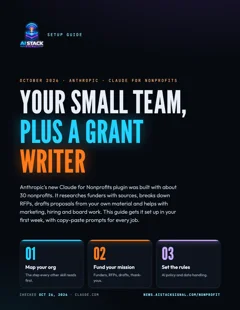
Free setup guide · 7 pages · PDF
Your small team, plus a grant writer
Who qualifies, the first-day map, copy-paste prompts for funders, RFPs, campaigns, hiring and board decks, an AI policy checklist and a first-week plan.
⬇ Download the PDFAnthropic released the Claude for Nonprofits plugin on October 26. It’s a set of skills and connectors built with about 30 nonprofits, and it covers the jobs a small team juggles: finding funders, answering RFPs, writing proposals, running campaigns, hiring and preparing for the board.
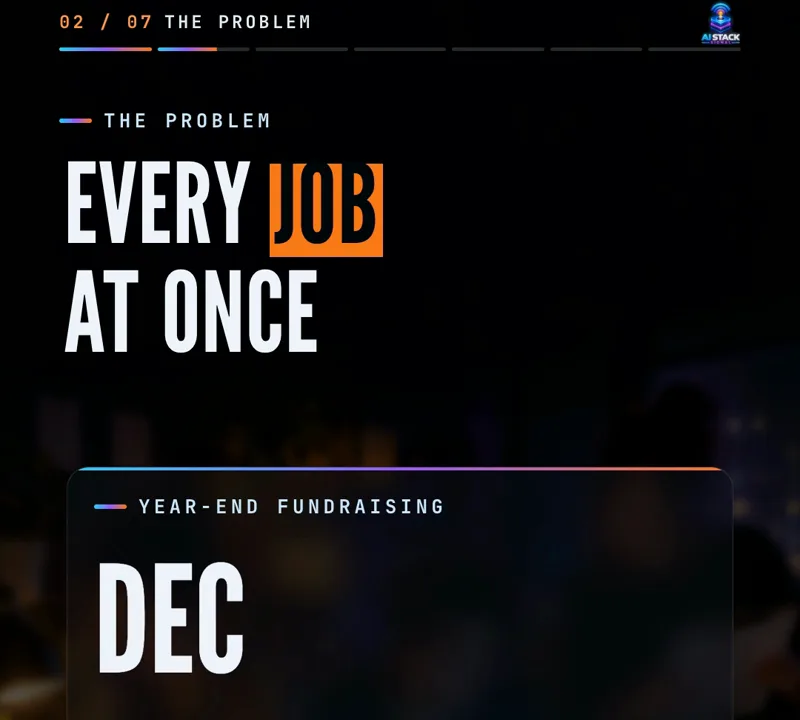
Small nonprofits have more jobs than people, so the same person writes the grant, posts on social media and builds the board deck. Anthropic’s announcement says that gets worse as year-end fundraising picks up. More than 25,000 nonprofits already use Claude, and more than 75% of them have fewer than 10 seats.
1. Step one: map your organization
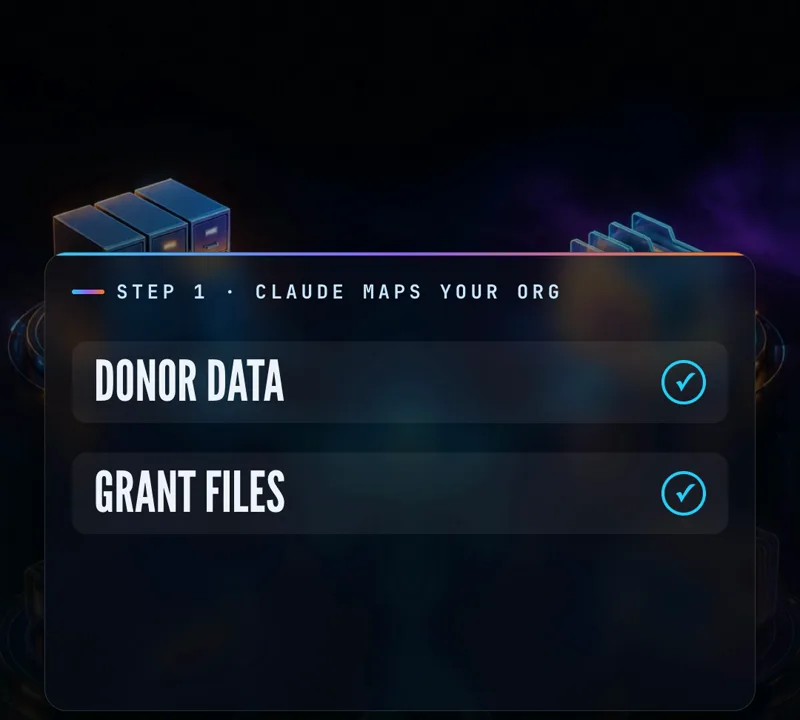
Before anything else, you ask Claude to map where your organization keeps its information. It asks where each kind of record lives: donor data, grant files, finances, policies. With memory on, it saves that map for each person, and it offers to connect tools it can’t reach yet. Every other skill uses the map, so you don’t have to point Claude at the same files for every task.
Try this prompt
Our wording, not Anthropic’s:
Map our organization. Ask me where we keep donor data, grant files,
finances, policies and program reports, one question at a time.
Then summarize the map and tell me which tools you can't reach yet.
Messy answers are fine. “The donor list is a spreadsheet in [name]‘s Drive” counts as a map entry.
2. Fundraising: funders, RFPs and first drafts
The fundraising skills cover the whole cycle:
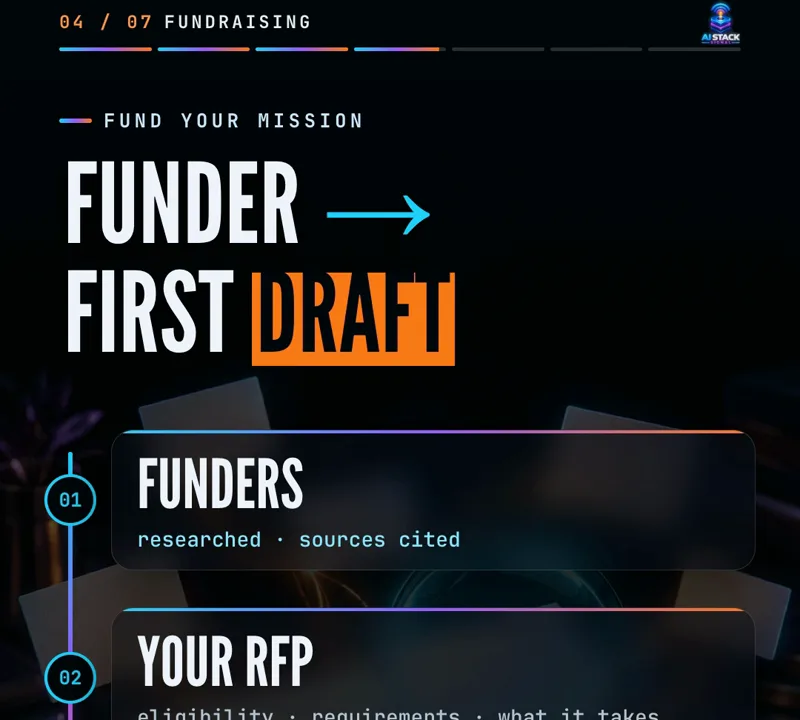
- Research: donors, foundations and companies, plus open grants, with sources cited.
- Decide what to pursue: forward an RFP and get a breakdown of eligibility, requirements and what it would take to compete.
- Write: a first draft built from your own material. Grant reports come with sources for their figures.
- Relationships: briefs before a call, then thank-you notes and donor updates in your voice.
Workflow
- Ask for funders that match one program: “Find 10 foundations that fund [your program] in [your state]. Cite a source for each and note deadlines.”
- Pick one, then forward its RFP: “Break down eligibility, requirements and what it would take for us to compete.”
- If it’s worth it: “Turn this RFP into a requirements list, then a first draft from our past proposals and program data.”
- Check every figure against its source, edit the draft in your own words, and only then send it.
3. Marketing, hiring and the board
The plugin also helps a small staff cover the work around fundraising:
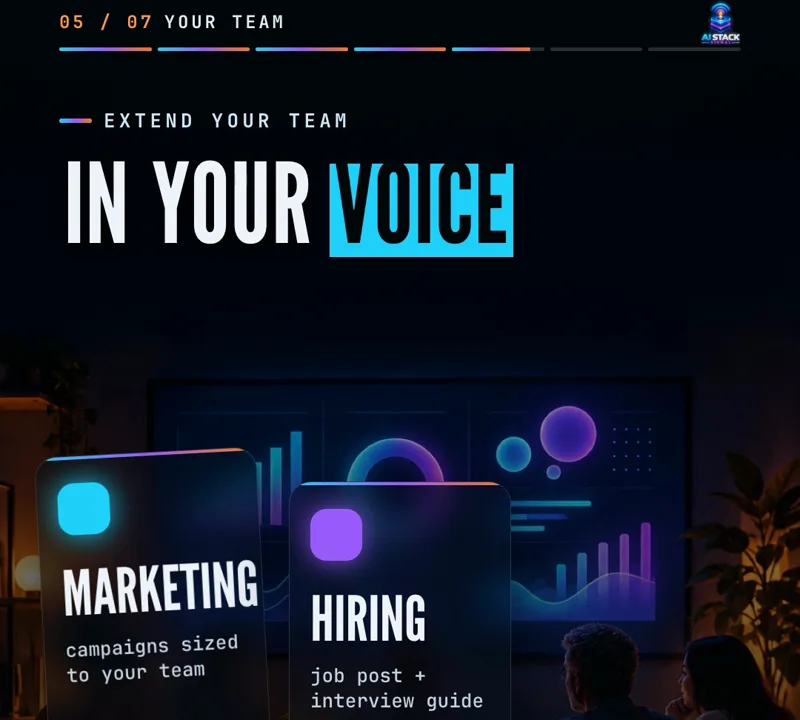
- Marketing: plan a campaign sized to your team’s bandwidth, and teach Claude to draft in your organization’s voice.
- Hiring: build a job post with an interview guide and scoring rubric.
- Board: see what skills your board is missing, and plan the deck for your next meeting.
Try this prompt
Our wording, for a year-end campaign:
Plan a 4-week [Giving Tuesday / year-end] email and social campaign
that [number] people can run in [hours] hours a week.
Write in our voice (see our last newsletter: [paste or attach]).
Use case
An executive director has a board meeting in three weeks and no time to build slides. They ask Claude to plan the deck: program results, where year-end fundraising stands, and two decisions the board needs to make. Then they fill in the real numbers.
4. Set the rules first
Nonprofits hold sensitive information about the people they serve. Anthropic says it doesn’t train its models on your data by default, and admins decide who has access and which connectors staff can use. A Claude Academy tutorial walks admins through how Claude handles data and how to write and roll out a simple AI use policy. Once you have one, staff can ask whether Claude is allowed for a task and get an answer based on your own policy.
What to do now
- Write a one-page AI use policy before connecting donor data.
- Connect only the tools a task needs.
- Anthropic is running two webinars: November 10 for admins and November 12 for staff.
The catch
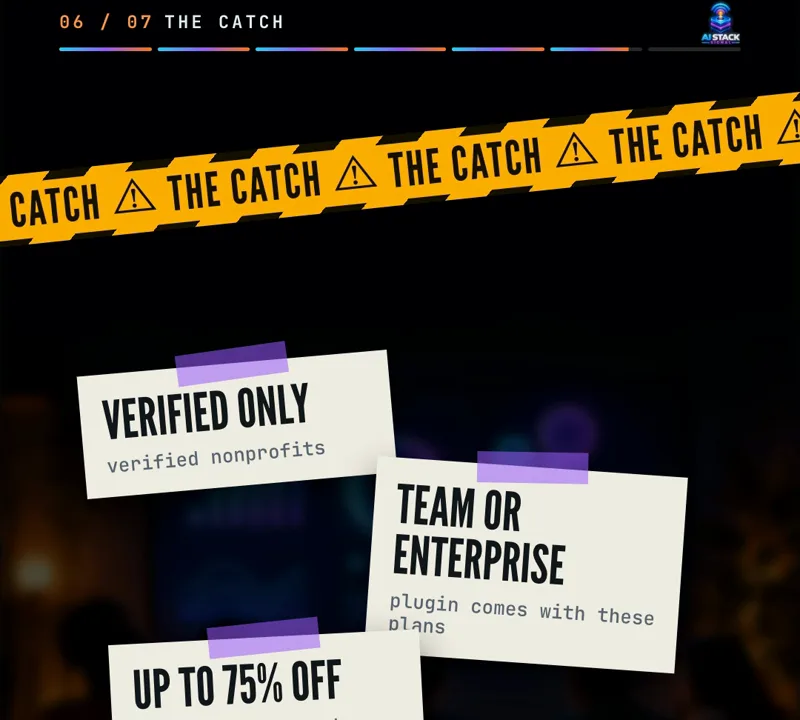
- Verified nonprofits only. The plugin is installed automatically, at no additional cost, for verified nonprofits on Claude’s Team and Enterprise plans.
- Discounts. Claude for Nonprofits launched last December with discounts of up to 75%. In low- and middle-income countries the discount is about 90%, with Team seats at $3 per user per month.
- Smaller teams can join. The Team plan minimum is now two people.
- Also included: Claude Code at no extra cost, and connectors for Blackbaud, Candid and Benevity from the December launch.
- You still sign. Read every proposal and check every number before it goes to a funder.
The fine print
Details are from Anthropic’s announcement of October 26, 2026. The example prompts on this page and in the guide are ours, not Anthropic’s. Check eligibility and current prices on Anthropic’s nonprofit page before you sign up.
Which job would you hand off first: grant research, or the board deck?
Sources & links 1
More on Claude AI News, AI for Small Business, AI for Beginners